










How to Fix an Uncomfortable Gaming Setup? 7 Setup Errors You Should Avoid

A gaming setup can look great and still feel wrong after a while. Many players have experienced this. At the beginning of a session, everything feels normal. But after some time — maybe an hour, maybe two — something changes. Your shoulders tighten a bit. Your neck slowly moves closer to the monitor. When you finally stand up, your back reminds you that you’ve been sitting there for a long time.
The interesting part is that the issue usually isn’t how long you play. In many cases, it’s the way the setup is arranged. Small positioning mistakes — things like chair height or monitor placement — quietly affect posture over time. Individually, those details seem minor. But during a three-hour gaming session, they start to matter. Once those elements are adjusted properly, long sessions tend to feel very different.
How Do You Fix an Uncomfortable Gaming Setup?
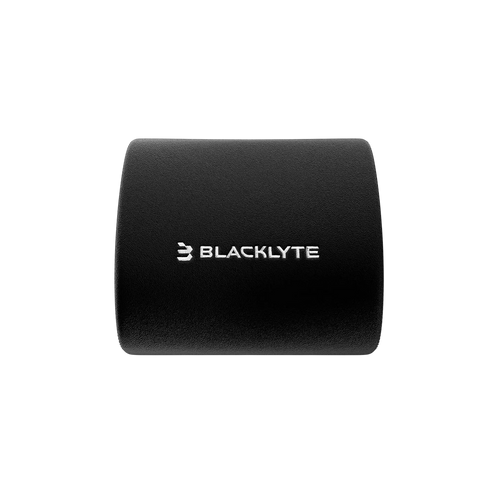
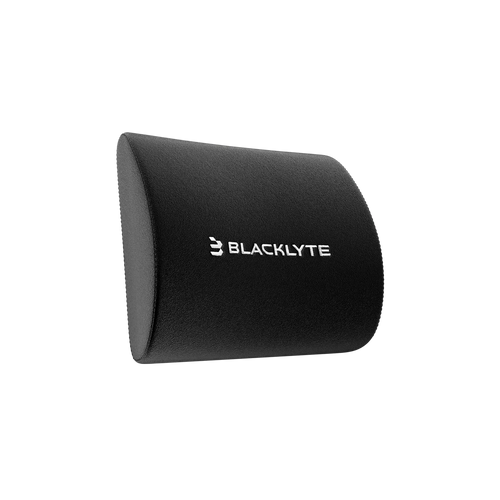
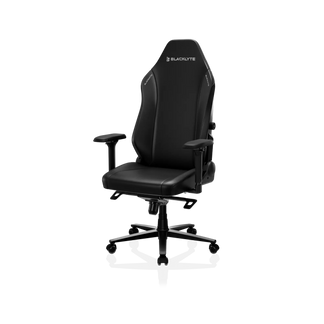
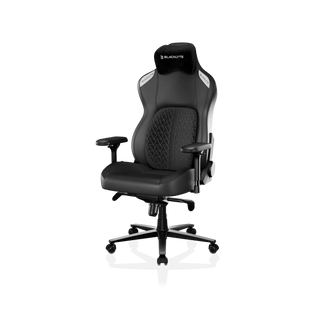
A surprising number of comfort issues come from simple ergonomic mistakes. The chair is usually the easiest place to start. When you’re sitting naturally, your feet should rest on the floor, and your knees should be roughly level with your hips. A Blacklyte ergonomic gaming chair makes this simple, with fully adjustable height and lumbar support to keep your lower back comfortable during long sessions. If the seat height is off, the rest of your posture tends to follow.
Next, look at the monitor. The screen shouldn’t force you to bend your neck downward just to see the center of the display. A position around eye level tends to work best for most setups. The keyboard and mouse also matter more than people expect. If they sit too far away, your arms end up reaching forward for hours. Small adjustments like these often fix the majority of comfort problems.
Why Gaming Setups Become Uncomfortable Over Time
Even a high-end gaming setup can feel uncomfortable if the layout isn’t ideal. The problem usually develops slowly rather than all at once.
Poor Monitor Position
Monitor height is one of the most common issues. Many setups place the screen slightly lower than it should be. When that happens, players naturally tilt their head downward while playing. It doesn’t feel like much at first. After a while, though, the neck muscles start doing more work than they should.
Incorrect Chair Adjustment
Chair adjustment is another common oversight. A lot of gamers never really adjust their chairs after setting them up. They sit down and start playing. If the seat height isn’t right, posture shifts in subtle ways. Feet may not stay firmly on the floor, or the knees may sit too high. Both situations can slowly create lower back strain.

Desk Layout Problems
Desk layout can also influence posture more than people expect. If your setup feels cramped or difficult to use, exploring crowded gaming desk solutions can help you create more usable space without removing essential gear. If the keyboard or mouse sits too far away, your arms extend forward for long periods. That position tends to tighten the shoulders and upper back.
7 Gaming Setup Errors That Cause Discomfort
1. Your Chair Height Is Incorrect
Chair height often makes a bigger difference than people expect. When the seat sits too high, your feet may only touch the floor lightly. If it’s too low, your knees end up higher than your hips and the lower back starts carrying more of the load. A comfortable height usually feels balanced without much effort — feet flat on the floor and knees roughly level with the hips. Sometimes just adjusting the seat slightly can change the way the entire setup feels.
2. Your Monitor Is Too Low or Too High
Monitor placement plays a huge role in neck comfort. If the screen sits too low, many gamers lean forward slightly while playing. A better position keeps the top of the monitor close to eye level when you sit upright. Your eyes can naturally look a little downward toward the center of the screen. That way your neck stays relaxed instead of constantly bending. Distance also helps. Sitting roughly an arm’s length away from the display usually feels comfortable. A Blacklyte Atlas single monitor arm or dual monitor arm allows you to adjust the height, tilt, and distance of your monitors, so your neck stays relaxed even during long sessions.
3. Your Desk Height Is Not Ergonomic
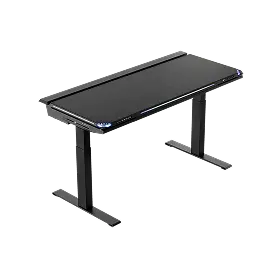
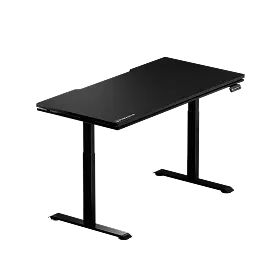
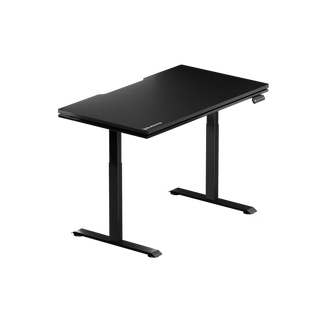
Desk height can quietly affect your comfort. If it’s too high, your shoulders might creep up slightly while gaming. The movement is small, but it keeps muscles engaged for the whole session. If it’s too low, wrists bend more than is ideal. Positioning elbows near the body with forearms level usually helps the shoulders feel less tense. The Blacklyte Atlas gaming desk features dual motors and adjustable height for a perfectly ergonomic setup, keeping your shoulders relaxed and your arms at a natural angle.

4. Your Keyboard and Mouse Are Too Far Away
You’d be surprised how many setups have this issue. Players often push their keyboard back to give the mouse more room. The result is that the arms reach forward too much. Over time, it can pull the shoulders forward and strain the upper back. Sliding the keyboard closer usually fixes the problem. Pairing your setup with the Blacklyte Atlas gaming desk ensures enough surface space for both keyboard and mouse, so your arms stay relaxed and your shoulders tension-free.
5. Your Lower Back Is Not Supported
Lower back discomfort tends to appear gradually. Without support, it’s easy to slide forward in the chair. Sliding forward makes the spine bend more than it should. Over time, the lower back muscles pick up extra work to maintain balance. A chair with proper lumbar support helps preserve the natural curve of your spine. Leaning back a little instead of sitting fully upright can also be more comfortable.
6. Your Screen Is Too Close
Large gaming monitors make distance more important than ever. If the screen sits too close, your eyes constantly adjust focus across the display. After a while, that effort becomes noticeable. Eye fatigue is usually the first sign. Keeping the monitor around an arm’s length away tends to provide a comfortable viewing distance.
7. You Stay in One Position Too Long
Even the best gaming setup can’t completely replace movement. No matter how perfect your gaming setup is, your body still needs to move. Muscles stiffen when you sit in the same position too long. Standing up every 30–45 minutes can help more than you might think. Stretching your arms or walking around for a minute helps reset posture and eases tension. Combined with a Blacklyte ergonomic gaming chair and an adjustable gaming desk, you can alternate between sitting and standing effortlessly, keeping muscles loose and posture natural.
Ergonomic Gaming Setup Checklist
If you want a quick way to check your setup, start with the basics.
- Feet flat on the floor.
- Knees close to hip level.
- Monitor near eye height.
- Screen about an arm’s length away.
- Keyboard and mouse easy to reach.
- Lower back supported by the chair.
Simple adjustments like these often solve most comfort issues.
How to Build a Comfortable Gaming Setup
Improving a gaming setup usually doesn’t require new equipment. Start with the chair: a Blacklyte ergonomic gaming chair lets you adjust the height and lumbar support until your feet sit comfortably on the floor and your posture feels balanced. Next, check the monitor position. Using a Blacklyte Atlas single or dual monitor arm, you can raise or lower the screen to reduce neck strain more effectively than most people expect. Finally, optimize your desk layout with the Blacklyte Atlas gaming desk, ensuring your keyboard and mouse are close enough to keep your arms relaxed. Even small changes like these can make long gaming sessions feel completely different. If you’re looking for ideas to refine your layout, browsing gaming desk setup inspiration can help you discover more efficient and comfortable arrangements.
FAQ About Gaming Setup Ergonomics
1. What is the ideal monitor height for gaming?
For most gamers, the top of your monitor should sit near eye level to keep your neck neutral. Using a Blacklyte Atlas monitor arm, you can easily adjust height and tilt for comfort.
2. How far should a gaming monitor be from your eyes?
Keep your screen about an arm’s length away to reduce eye and neck strain. A Blacklyte Atlas monitor arm makes adjusting the distance simple without moving your chair.
3. What is the best posture for long gaming sessions?
Feet flat on the floor, back supported by the chair, and elbows relaxed near your body. Pair a Blacklyte ergonomic gaming chair with a Blacklyte Atlas gaming desk for proper alignment and comfort.
4. Can a gaming chair improve posture?
Yes, a Blacklyte ergonomic gaming chair with adjustable height and lumbar support can help maintain a natural sitting position during long sessions.


